

Images are reused AI-generated editorial illustrations, not documentary photographs or verified product screenshots.
Add a page in Google Docs with a deliberate page break when the content needs a new boundary. Repeated blank paragraphs may appear to work initially but move unpredictably as text changes. Choose the document mode first, then insert a break where the content needs one.
Choose where to add a page in Google Docs
A page-oriented deliverable needs a page layout. In pageless mode, the document flows continuously and some page features are unavailable. Confirm the intended reading or printing format before trying to force a new page with extra returns.
Insert the break at the right position
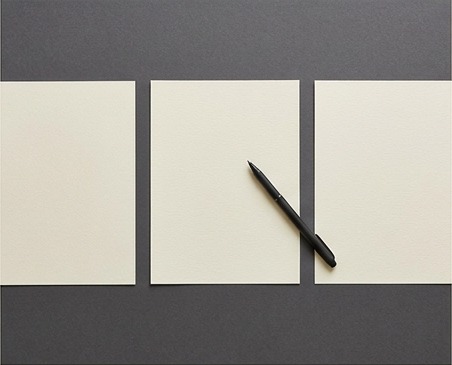
Place the cursor before the content that should begin on the next page. On desktop, use Insert, Break and Page break. For a heading that must stay at the top of a page, review the paragraph option to add a page break before it.
Review neighboring paragraphs
Show non-printing characters when diagnosing unexpected gaps. A section break and a page break serve different purposes; do not remove structural boundaries without checking headers, margins and sections. Inspect the next page after adding or deleting text earlier in the document.
A practical checklist
- Choose pages rather than pageless when needed.
- Position the cursor before the new page content.
- Insert one deliberate page break.
- Inspect extra blank paragraphs.
- Check the PDF or print preview.
Worked example
Illustrative example: a proposal's pricing section must start on its own page. Instead of adding twelve blank lines, the writer inserts a page break before the heading. When the introduction grows, the pricing section still begins on a fresh page rather than drifting within a stack of empty paragraphs.
Common questions
Does a break create a separate document? No. Can blank lines replace a page break? They are not a reliable equivalent. Should every heading start on a new page? No; use boundaries that support the reader and the intended output.
What to do next
Test the layout with a longer paragraph and inspect the exported document. Keep only the breaks that express an intentional boundary.