

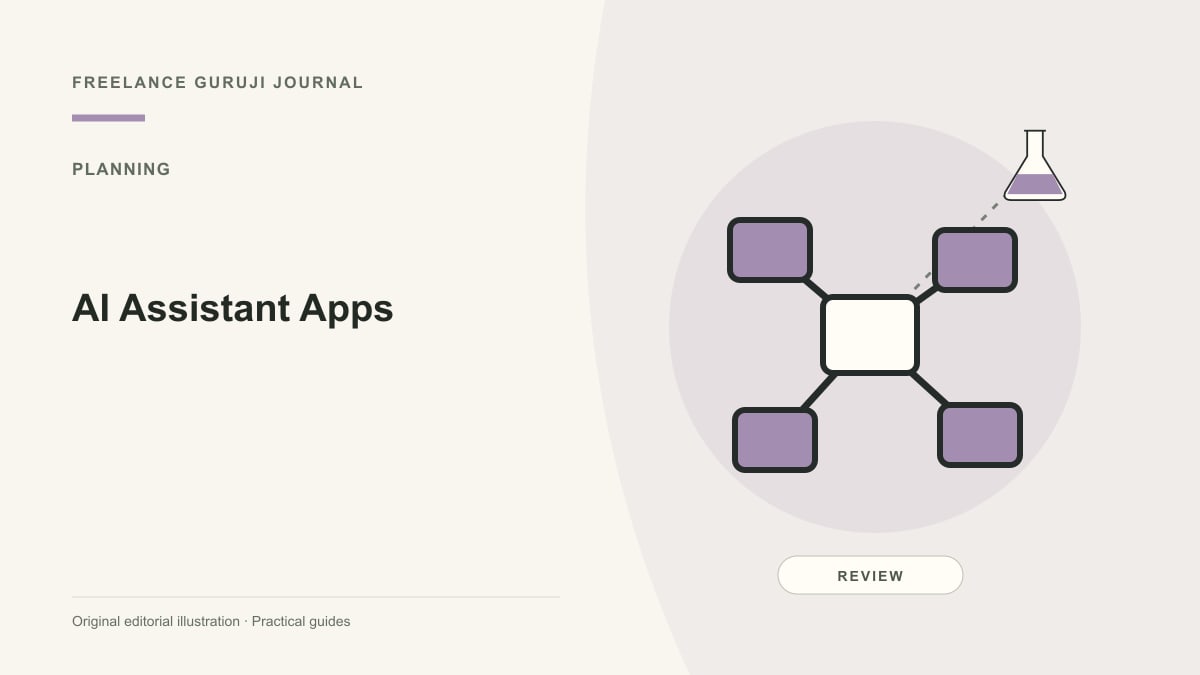
Images are AI-generated editorial illustrations, not documentary photographs or verified product screenshots.
AI assistant apps: compare three deployment models
AI assistant apps can be standalone services, built into an existing productivity suite or focused on one workflow. The best fit depends on where your information lives and what you want the assistant to do. Begin with the task rather than a popularity list. A separate chat app may be useful for drafting, while an embedded assistant may reduce context switching—but each has its own access and review implications.
Define the input and output
Write one example task with the information needed and the expected result. Is the assistant summarizing a document, drafting a customer message or preparing a meeting agenda? Those tasks require different context. Avoid choosing an app from an impressive demonstration unrelated to your work. Test with a non-sensitive sample you can evaluate, and compare whether the result saves time after correction and formatting.

Review integration permissions
An app that connects to email or cloud storage may request more information than your task requires. Read the permissions and determine which can be limited. Check whether access is tied to an individual account or an organizational policy. Keep ownership and offboarding clear. Do not connect a client workspace casually because a free trial offers one-click setup; technical convenience does not establish authorization.
Check data and portability controls
Review current retention, deletion, export and relevant training settings. Confirm whether administrators can manage the app and whether important outputs can be moved to your normal record system. Avoid comparing plans only by message limits. A tool that is difficult to audit or leave may create ongoing costs. Record which current documentation supports your decision so the review can be repeated when the product changes.
Evaluate accuracy and practical effort
Check factual claims, calculations and source references. Include the time spent checking outputs in your comparison. An assistant can be good at a first draft while unreliable for an authoritative answer. Define which tasks always require review and which content must never be uploaded. Do not claim hands-on superiority from a feature table; a controlled evaluation should describe the tested task and its limitations.
Keep the tool set small
Pilot one suitable app and avoid adding overlapping subscriptions before the workflow is proven. Compare adoption, quality, review time and total cost. Keep an ordinary manual process available when the assistant fails or access is unavailable. The right app helps with a clear recurring task under appropriate permissions. It does not need to become the default destination for every file or business decision.
Common questions
Is an embedded assistant always safer than a standalone app? Not automatically. Review the actual plan, permissions and data-handling controls. Being built into a familiar suite may simplify some workflows but does not settle authorization or confidentiality questions. Evaluate the specific environment rather than treating deployment style as a safety guarantee.
How should I compare productivity gains? Measure the complete task, including preparing inputs, checking claims and correcting outputs. A fast draft may require substantial review. Use a representative non-sensitive example and state the limitations of your test instead of generalizing from an impressive demonstration.
Sources and further reading
Related reading
Local AI or Cloud AI: Privacy, Cost and Practical Trade-Offs