

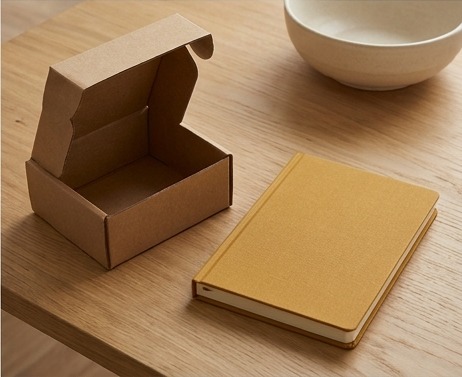
Images are reused AI-generated editorial illustrations, not documentary photographs or verified product screenshots.
WooCommerce product image size affects how a theme displays detail, thumbnails and crops. There is no universal dimension that guarantees a good product page. Inspect the actual theme and product context, then balance useful detail with sensible delivery weight and truthful image handling.
Identify the display contexts and source assets
Review the main product view, gallery, catalog cards and variation images. Different contexts may use different generated sizes or crops. Preserve appropriate original assets and verify rights to use them. Do not imply that a generic illustration is documentary evidence of the product or that a heavily edited image accurately represents every physical detail.

Check theme behavior and generated sizes
Use WooCommerce and theme documentation for the installed setup. Inspect cropping, aspect ratios and how changes affect existing thumbnails. A setting change may require a supported regeneration workflow, but confirm the process before altering production assets. Avoid stretching a small image to appear sharp at a larger display size.
Test detail, layout and performance together
Review representative devices and actual loaded images. Check that important information is not cropped out and that alternative text reflects the image’s purpose. Compare delivery weight without destroying necessary product detail. A smaller file alone is not success if the visitor can no longer assess the item accurately.
A practical checklist
- List main, gallery, catalog and variation contexts.
- Preserve licensed source assets.
- Review theme crops and generated sizes.
- Check detail and truthful alternative text.
- Test actual delivery and layout on representative devices.
Worked example
Illustrative example: a synthetic catalog uses portrait source images, but the theme crops listing cards square. The team reviews how that affects visible product detail and uses appropriate composition rather than forcing one tiny file everywhere. It tests main and variation views separately. The illustration is not presented as a verified photo of a real product.
Common questions
Is one image size best for every theme? No. Does smaller always mean better? No. Can a crop remove important information? Yes; inspect the actual display.
What to do next
Keep image requirements with the product-data guide. Useful detail, rights, accessibility and delivery weight are separate quality checks.