


Images are reused AI-generated editorial illustrations, not documentary photographs or verified product screenshots.
A Git log graph is a compact way to inspect commit relationships. It helps a freelance developer explain merges and parallel work, but the drawing is not a project schedule or a measure of contribution quality. Read the commit identifiers and parent relationships rather than treating the visual shape as proof of what happened.
Start with a bounded history view
Use git log --graph --oneline --decorate -20 to inspect a manageable slice of the current history. Oneline shortens each commit; decorate shows reference labels. Add --all when you intentionally want other references included. A filtered view can hide context, so record the command used when discussing the output.
Separate branch labels from commit relationships
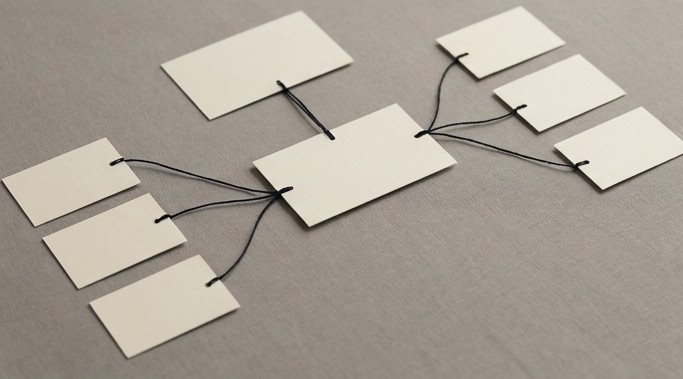
A branch label points to a commit and can move as work continues. A merge commit can have multiple parents, represented by connecting lines. The graph does not show uncommitted files or guarantee that every remote branch has been fetched. Dates also should not be mistaken for a simple top-to-bottom project timeline.
Open the commit behind the summary
Use git show <commit> for a chosen identifier and review the actual changes. Short messages can omit important detail. Compare relevant paths or commits when investigating a regression, then reproduce the behavior through tests. A neat graph cannot prove that a merge produced a correct application.
A practical checklist
- Fetch first when remote context is needed.
- Limit output to a readable range.
- Record whether –all or path filters were used.
- Inspect important commits beyond their messages.
- Verify behavior with the project’s tests.
Worked example
Illustrative example: two feature branches are merged before a bug appears. The graph helps identify the merge and its parents. The developer opens the relevant diffs and tests the affected user journey rather than blaming whichever branch appears on the left. The graph narrows the investigation; it does not decide causation.

Common questions
Does –oneline remove information from the repository? No; it changes presentation. Is a branch line a separate file copy? No. Can a partial history be misleading? Yes, shallow clones and filters can limit what you see.
What to do next
Use a graph together with diffs and a reproducible bug report. In client communication, share only the necessary history and remove private repository details from public screenshots.