

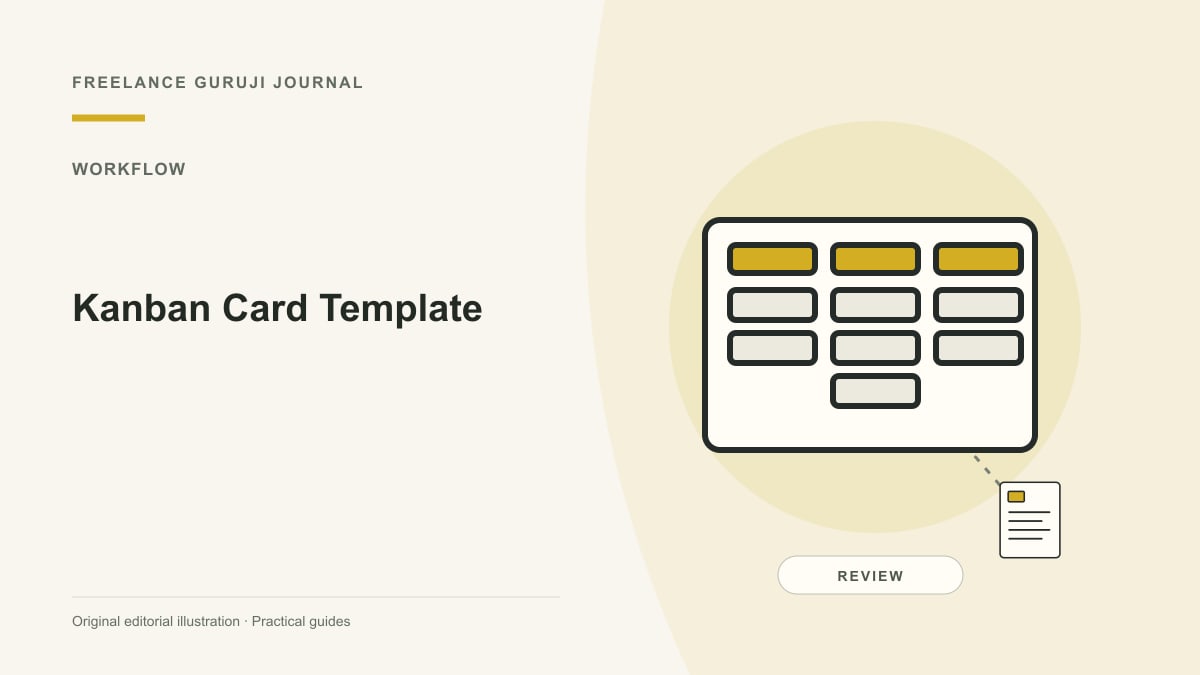
Images are AI-generated editorial illustrations, not documentary photographs or verified product screenshots.
A Kanban card template should help the next person act
A Kanban card template records the information needed to move a work item toward completion. Atlassian describes cards as representations of work with status, ownership and relevant context. For a small service team, a good card prevents repeated questions about what is being requested and what counts as done. Keep the template short enough to use consistently rather than turning each task into a miniature project report.
Start with a concrete title and outcome
Use a title that describes the deliverable or problem, not a vague instruction such as “website stuff.” State the desired result and the person who needs it. Distinguish a request from an approved commitment, particularly when client changes affect scope or fees. Include a link to the current brief instead of copying conflicting versions of the same requirement into multiple cards.

Use a small illustrative field set
A practical starter template can contain: title; requested outcome; owner; current stage; next action; acceptance check; dependencies; target date; and links to the approved source material. These fields are an example, not a mandatory Kanban standard. For “Repair the approved contact form,” the acceptance check might be a test submission reaching the correct mailbox without exposing private information.
Make blocking information visible
If progress depends on client copy, access or a review, identify the missing item and who will follow up. Avoid storing passwords, recovery codes or confidential attachments directly on broadly shared cards. Use an approved restricted source and link only where the audience has appropriate access. A card marked Waiting should still explain the next action; a status label alone does not resolve a dependency.

Maintain one current record through completion
Update the card as the work moves rather than opening new cards for every minor conversation. Record significant scope decisions and the final verification evidence. Agree what Done means, such as accepted delivery rather than merely finishing internal drafting. Review unused fields after a pilot and remove those that do not help decisions. The template should reduce coordination cost, not create ceremonial paperwork.
Common questions
Should every card include a deadline? Include one when it reflects an actual commitment and distinguish it from a planning estimate. Is a large attachment better than a link? Consider version control and access first. Do detailed fields guarantee completion? No; ownership, capacity and a usable next action still matter.
Sources and further reading
Related reading
How to Document a Repeatable Business Workflow
Meeting Minutes That Capture Decisions, Owners and Follow-Up