

Images are AI-generated editorial illustrations, not documentary photographs or verified product screenshots.
Personal Kanban makes commitments visible
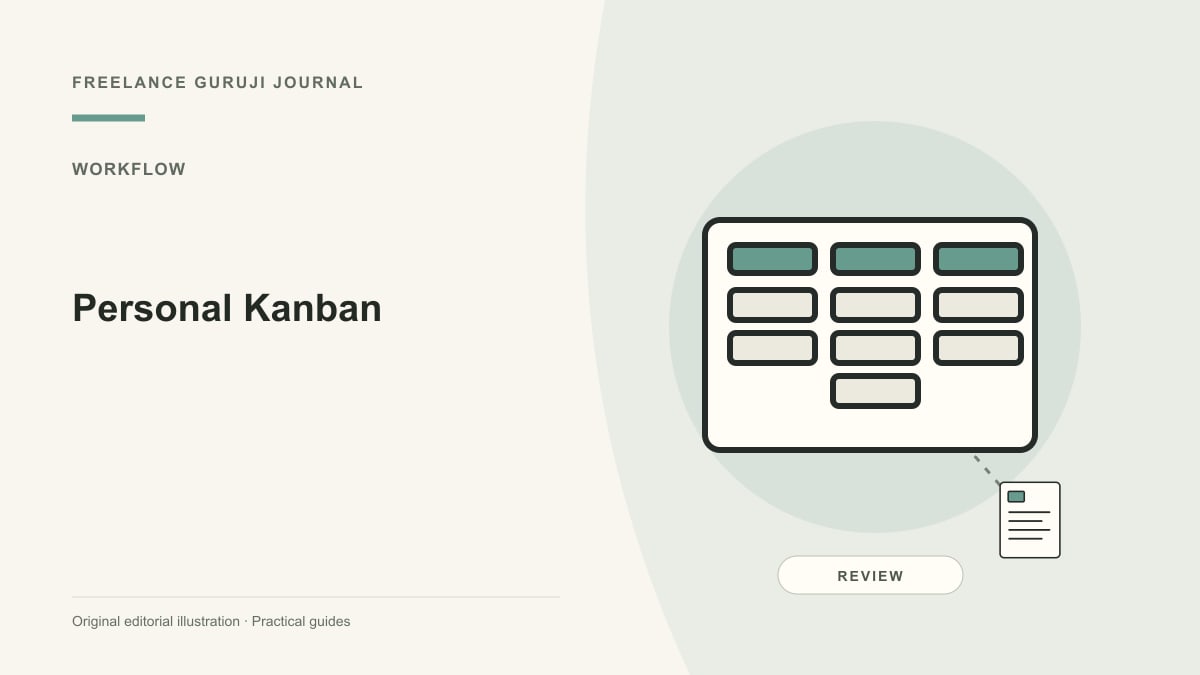
Personal Kanban applies a visual workflow to an individual’s tasks. Atlassian describes Kanban as visualizing work, limiting work in progress and improving flow. For a freelancer, the benefit is seeing which commitments are actually active rather than keeping dozens of equally urgent items in memory. Start with a small board that reflects your work, not a complicated tool setup copied from a large software team.
Define stages that mean something
A simple illustrative board might contain Ready, In Progress, Waiting and Done. State what must be true before a card enters each stage. Ready could mean the brief and required inputs are available; Done could mean delivery and the agreed check are complete. Keep future ideas outside the active commitment area so a large backlog does not look like a promise to finish everything this week.

Limit simultaneous work deliberately
Set a modest work-in-progress limit that matches your real capacity and revise it when the evidence suggests a better policy. The point is to finish useful work, not to fill every slot mechanically. If the limit is reached, investigate blocked tasks or complete existing items before starting another. Do not count waiting work as finished simply because it no longer requires attention for a few hours.
Make blockers and deadlines understandable
Record the owner of the next action, missing input and the follow-up date on a blocked card. Distinguish a genuine external deadline from a self-imposed target. A board can expose overload, but it cannot negotiate scope or obtain client approval for you. When work exceeds capacity, discuss priorities and change commitments rather than moving cards to hide the conflict.

Review the board as a working system
At a regular review, check stale cards, clarify the next actions and remove work that is no longer needed. Note recurring delays and whether the completion rule matches the actual handoff. Protect client information if the board is shared or photographed. Add software features only when they help a demonstrated task; a physical board or a simple existing tool may be sufficient for a small workflow.
Common questions
Is personal Kanban just a colorful to-do list? Its value depends on explicit workflow and capacity policies, not card colors. Must it use three columns? No; reflect the actual stages. Can it guarantee productivity? No; it supports visibility and decisions but does not remove external dependencies or unrealistic workloads.
Sources and further reading
Related reading
Choosing a Project Management Tool for a Small Remote Team
How to Document a Repeatable Business Workflow
Kanban Swimlanes: Separate Work Types Without Hiding Bottlenecks
Kanban Card Template: Capture the Information Needed to Finish Work